Honeycomb features
If telemetry hasn't been set up for your project yet, please refer to the setup guide before continuing.
To monitor application performance, Workleap has adopted Honeycomb, a tool that helps teams capture and analyze distributed traces and metrics to understand and monitor complex systems, application behaviors, and performance. Built on OpenTelemetry, Honeycomb provides a robust API for frontend telemetry.
While Honeycomb's in-house HoneycombWebSDK includes great default instrumentation, the @workleap/telemetry package provides a slightly altered default instrumentation which is adapted for Workleap's applications' requirements.
Default instrumentation
Workleap’s Honeycomb instrumentation includes a few default traces 👇
Fetch requests
Individual fetch request performance can be monitored from end to end:

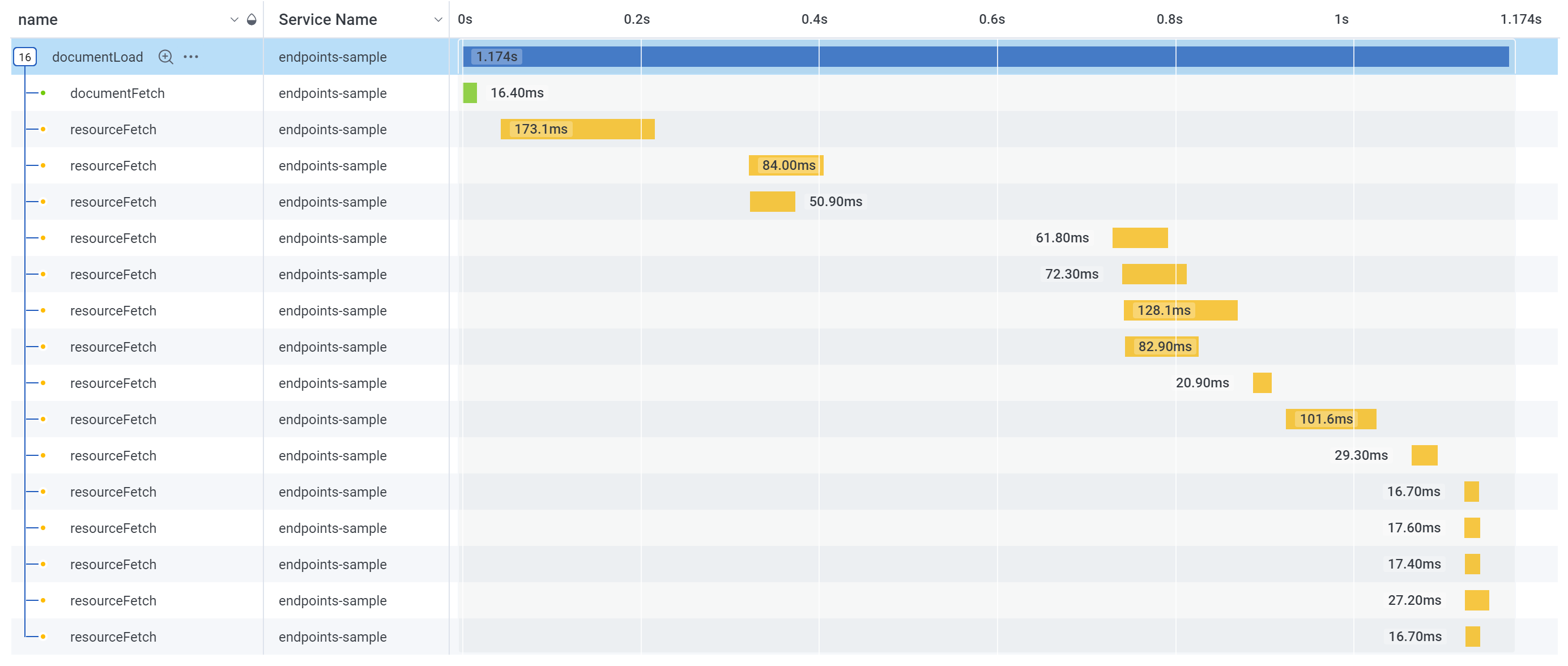
Document load
The loading performance of the DOM can be monitored:
Unmanaged error
When an unmanaged error occurs, it's automatically recorded:

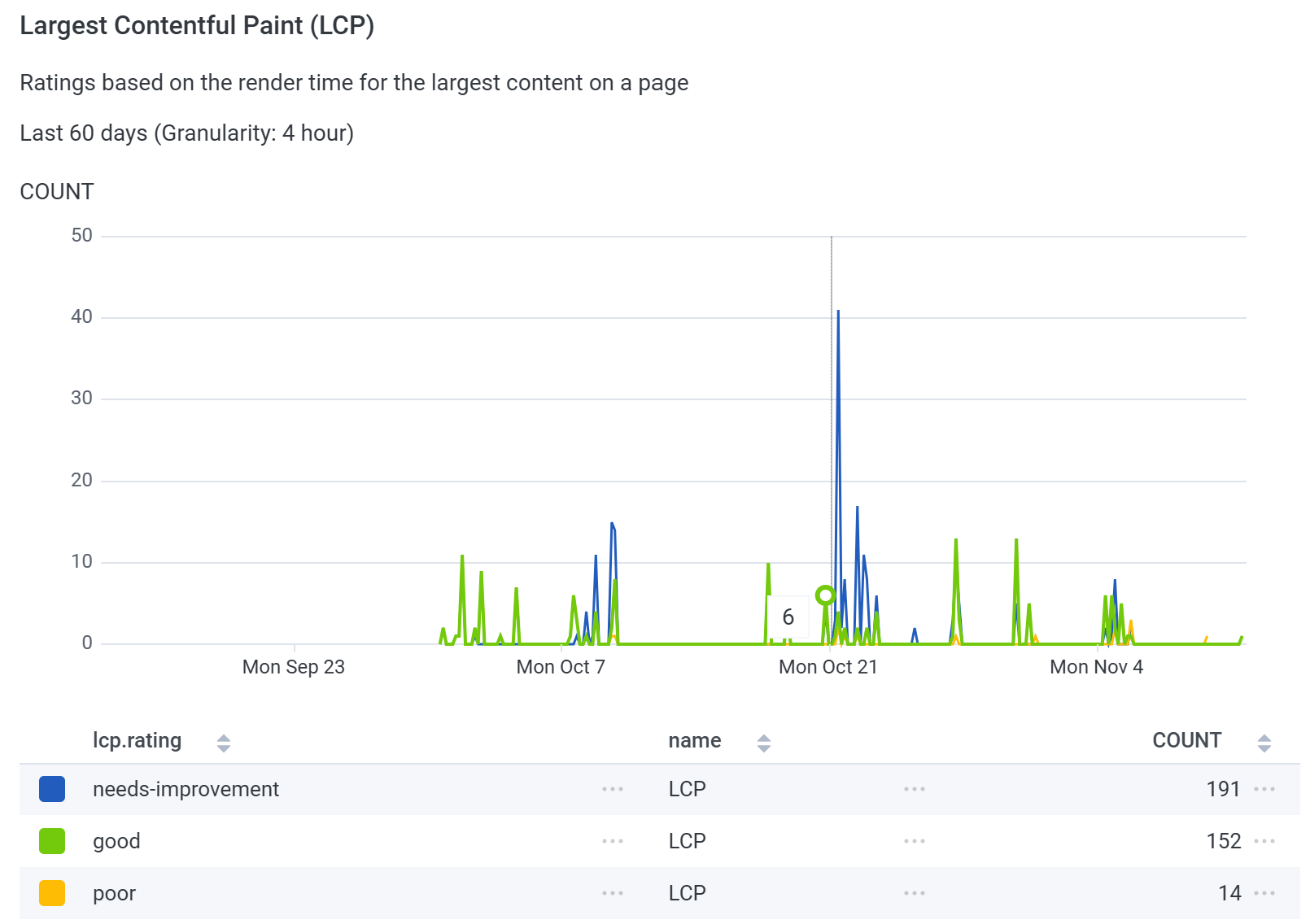
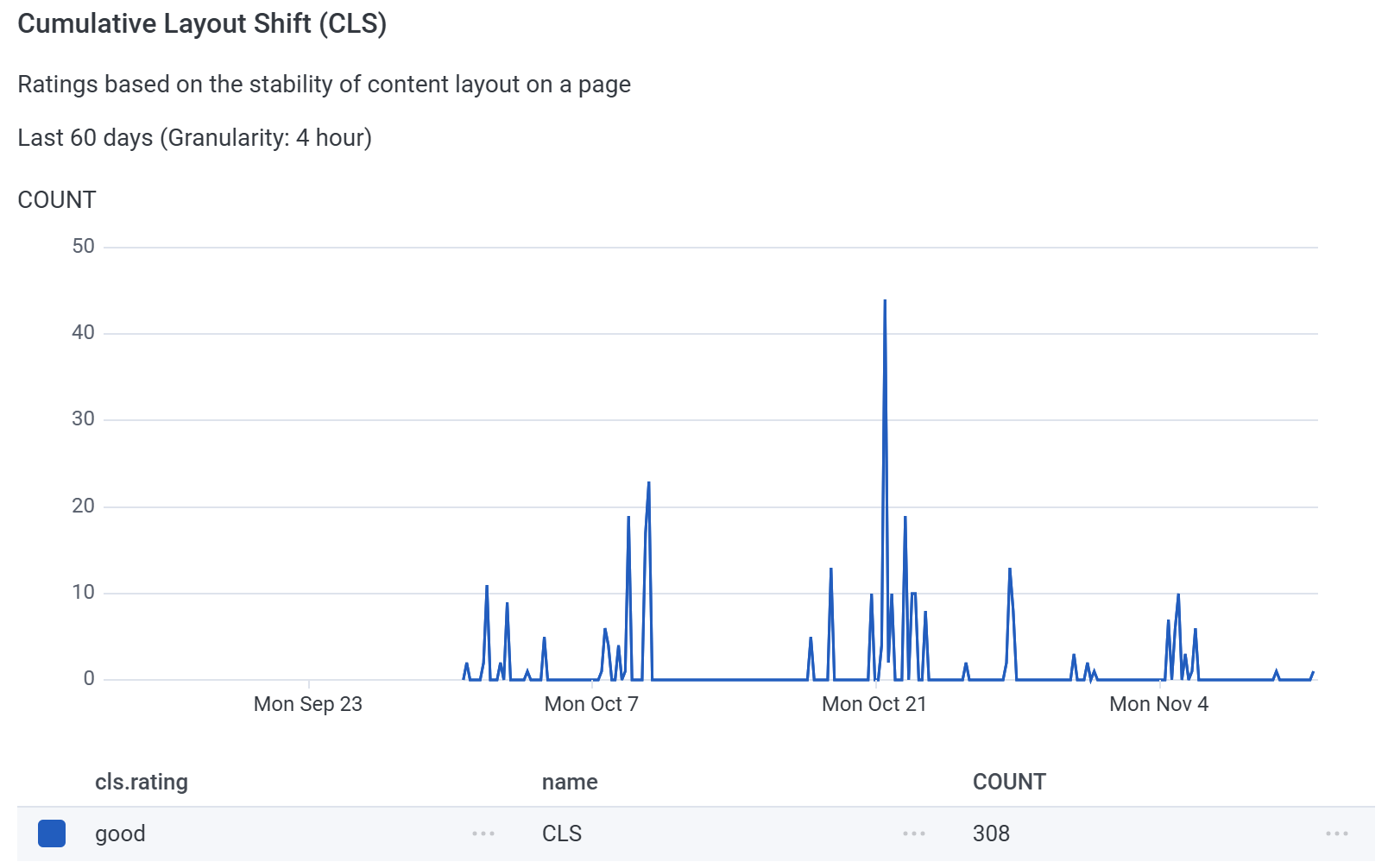
Real User Monitoring (RUM)
Performance data is collected from real user sessions to generate metrics and insights:
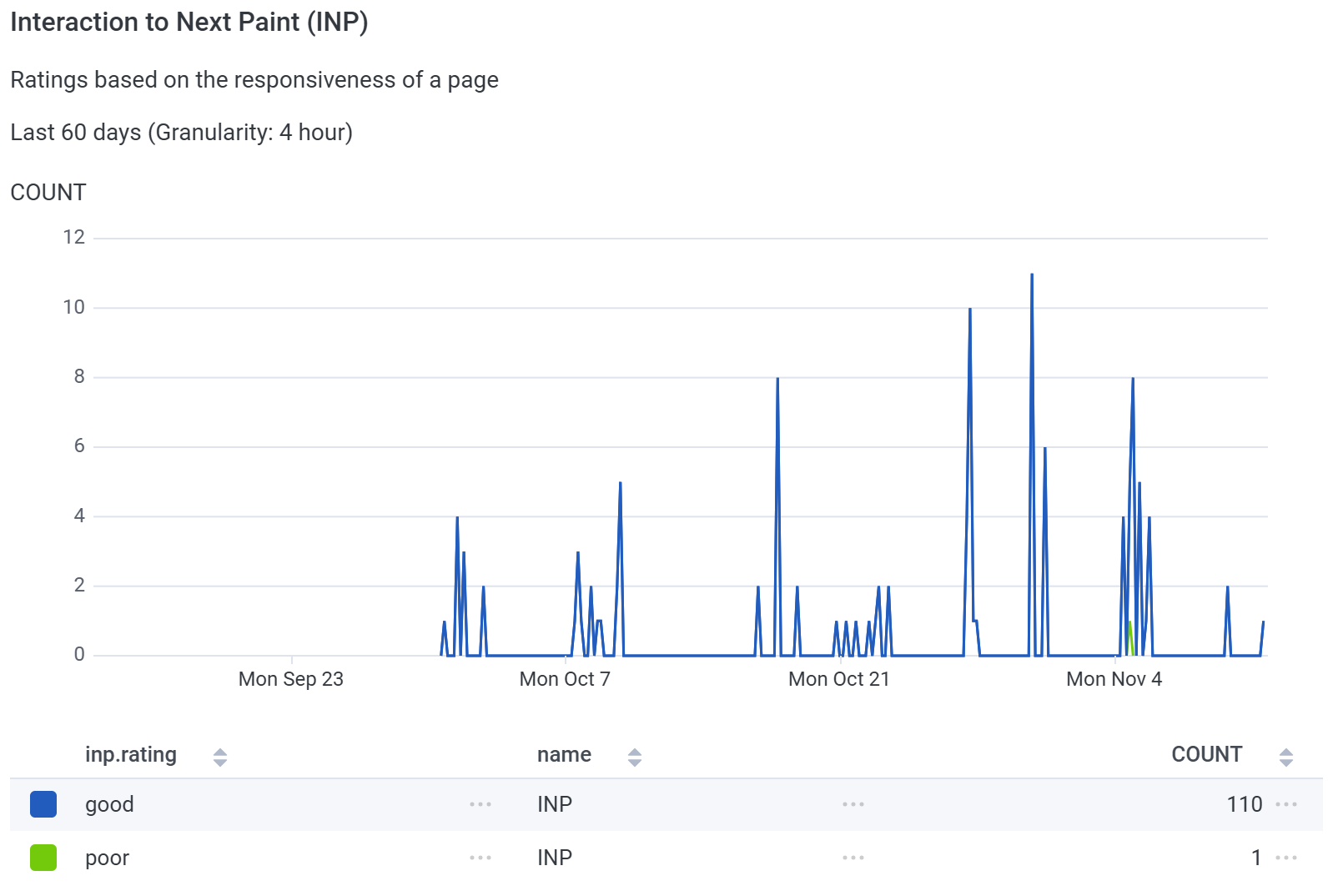
Correlation ids
Two correlation ids are automatically added to every trace:
app.telemetry_id: Identifies a single application load. It's primarily used to correlate Honeycomb traces with the other telemetry platforms.app.device_id: Identifies the user's device across sessions. This value is extracted from the sharedwl-identitycookie, which is used across Workleap's marketing sites and web applications.


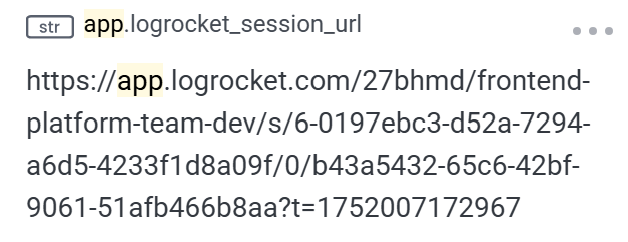
LogRocket session URL
If LogRocket instrumentation is enabled, Honeycomb traces are enriched with the LogRocket session URL as soon as it becomes available:
Set custom attributes
Most applications need to set custom attributes about the current user environment on all traces. To help with that, HoneycombInstrumentationClient expose the setGlobalSpanAttributes method:
import { useHoneycombInstrumentationClient } from "@workleap/telemetry/react";

const client = useHoneycombInstrumentationClient();

client.setGlobalSpanAttributes({
    "app.user_id": "123"
});
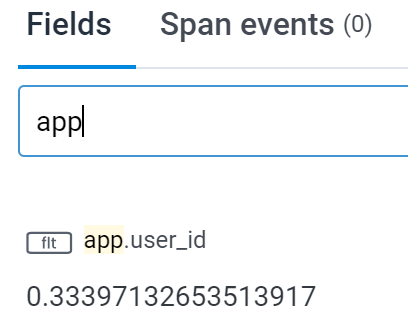
Now, every trace recorded after the execution of setGlobalSpanAttributes will include the custom attribute app.user_id: